
How to Ship Your Device for Repair
Pack it safely, include your details, and send it to StanTechFix for inspection or repair.
Before posting your device, please make sure it is well-protected and includes enough information for me to identify the repair. You do not need the original box, but please use plenty of padding and a strong outer box so it arrives safely.
Shipping Checklist
Before posting your device, check these off:
- Name, order number and return address included
- Email address or phone number included
- Fault description or requested service included
- Games, SD cards, and unnecessary accessories removed
- Device wrapped with padding inside a strong box
- Tracked postage used and receipt kept
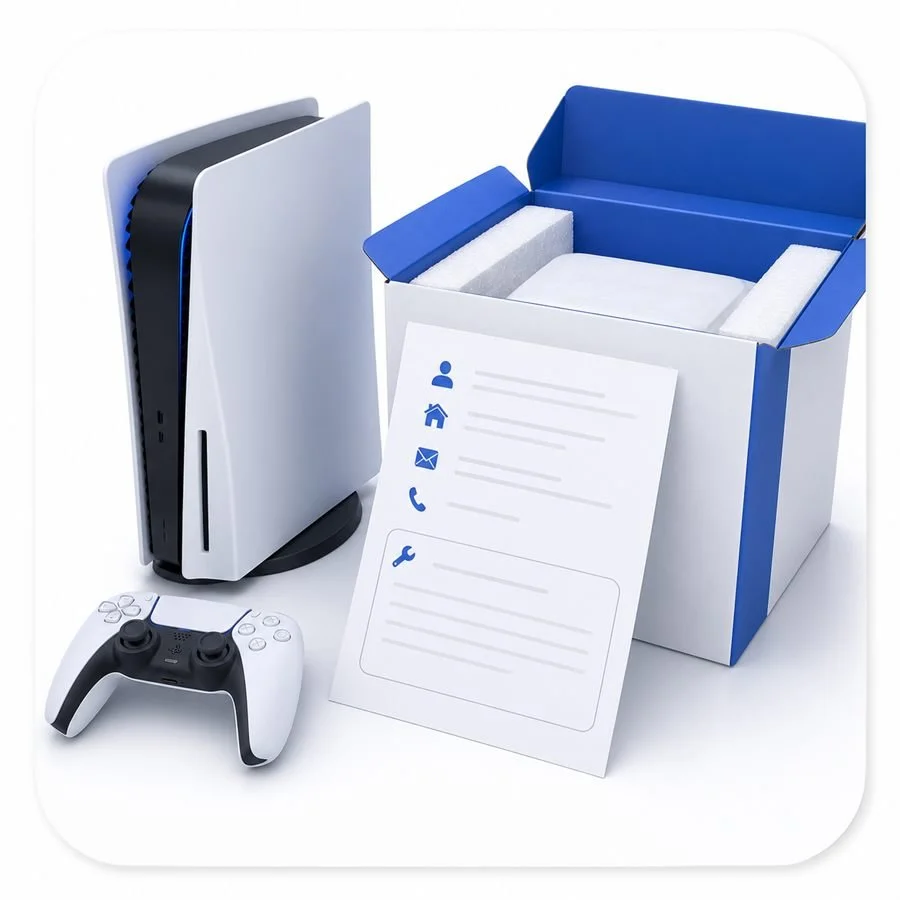
1. Include Details
Add a note with your name, order number, return address, contact details, and a short description of the fault or service requested.

2. Pack It Safely
Wrap the device in bubble wrap or soft padding, then place it in a strong box with padding on every side.

3. Remove Extras
Unless requested, do not include games, SD cards, stands, cases, HDMI cables, power cables, or other accessories.

4. Use Tracked Postage
Use a tracked postal service and keep your receipt until the repair is complete. Choose suitable cover where possible.

5. Inspection & Updates
Once your device arrives, I will inspect it and confirm the next steps before carrying out any extra work.
Ready to Send Your Device?
If you are unsure what to include, how to pack your device, or whether it is worth posting in, contact me before sending it. I would rather help you get it right than risk damage in transit.